CREATE & EDIT COURSES - EASILY
AVANTI E-Training System includes powerful course creation software that helps organizations build, edit, and manage workplace training using their existing team. Create employee training courses, import existing content, build online exams, and keep learning materials up to date without hiring outside e-learning specialists.
- AUTHOR your own content.
- COPY from manuals, documents, etc.
- IMPORT PowerPoint, Video, SCORM, PDF, etc.
- HYBRID: Import and then add in your own details, reviews, exams, etc.
- NO LIMITS to course length, time, content, or usage.
- UPDATE in-use courses in real-time. Changes are tracked, students notified, and records adjusted.
Workplace Training Tip!
Set the MINIMUM MODULE TIME to what your Manual shows for that subject. Optionally add subject-related reading at the end of the course for student to study until time requirement is met. Training records will reflect that training stated in manual was met. Regulators love seeing this!

IMPORT POWERPOINT - Quickly and Easy!
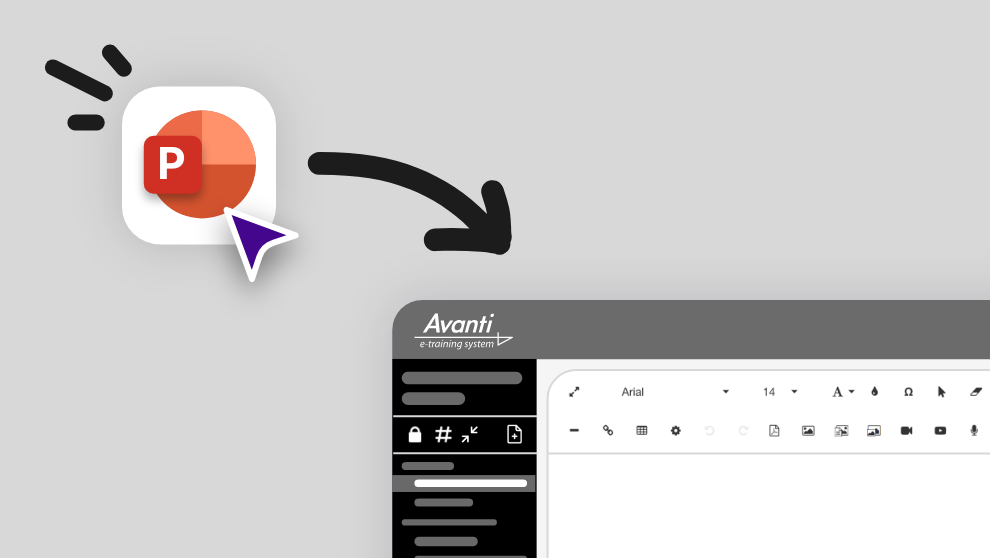
Import PowerPoint presentations while preserving animations, videos, sounds, and formatting. Reuse your existing workplace training materials instead of rebuilding them from scratch.
The AVANTI difference: Most eLearining systems turn PowerPoints into self-contained files that students click through via an online ‘player’. In AVANTI each PowerPoint can be imported with each ‘slide’ being a separate page. You can then add details to any page, add pages of content and check-questions between slides, and add quizzes, exams, and feedback surveys to make it a complete, self-learning, auditable course.

INTERACTIVE LEARNING & REVIEW QUESTIONS
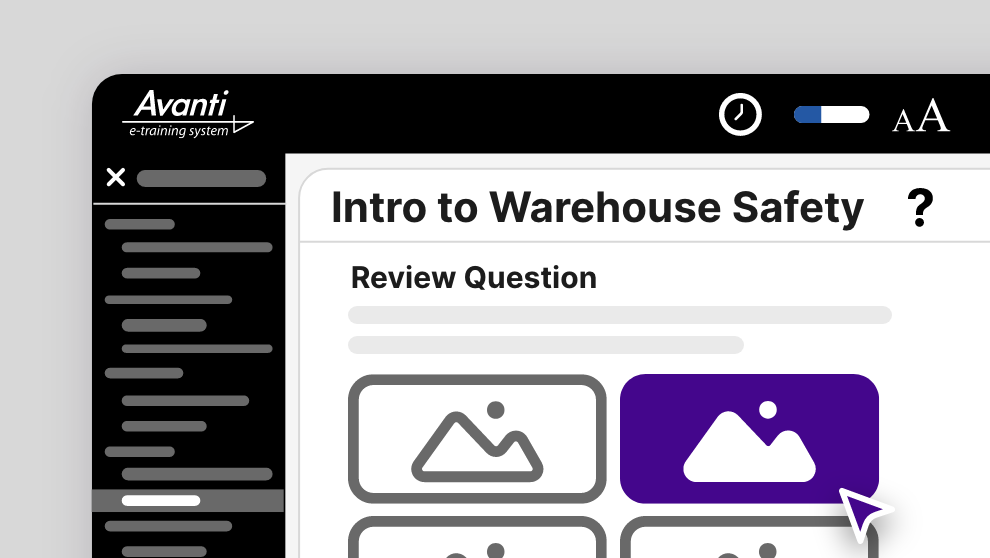
FIRST: If your module contains training (not just a stand-alone exam), you can insert REVIEW QUESTIONS in the course content to prevent students from just clicking through to the end AND to ensure they actually LEARN the material.
- Put as many Review Questions as you want in your course – typically every few pages or after key points.
- Student can not proceed until answered correctly.
- Answers are shuffled each time the question loads.
- If incorrect selection, you can give feedback so to TEACH the correct answer.
- Questions can contain unlimited text, images, video, sound, PDF, attachments, etc.
- Multiple-choice text or Graphical Hotspot (point to correct part of image) answers.
ONLINE EXAMS BUILDER
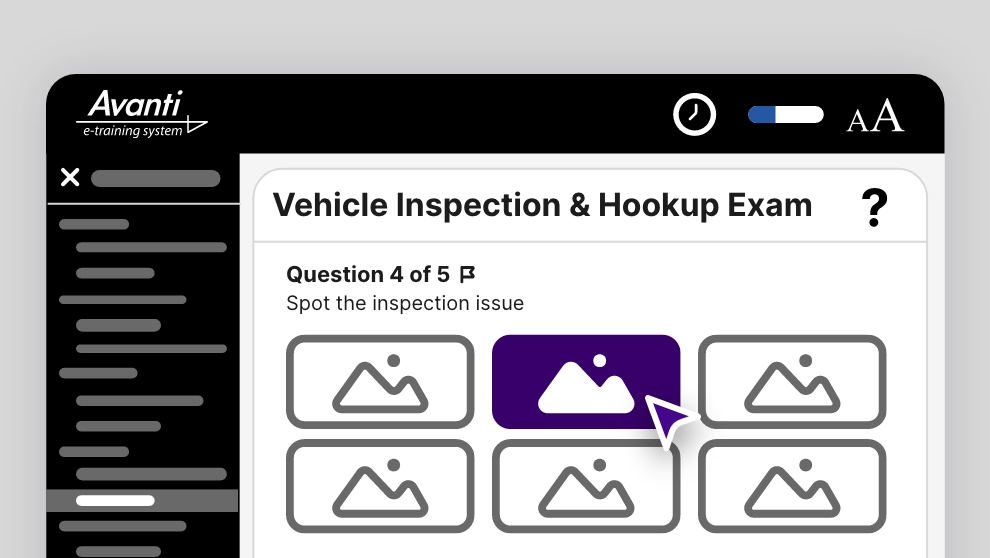
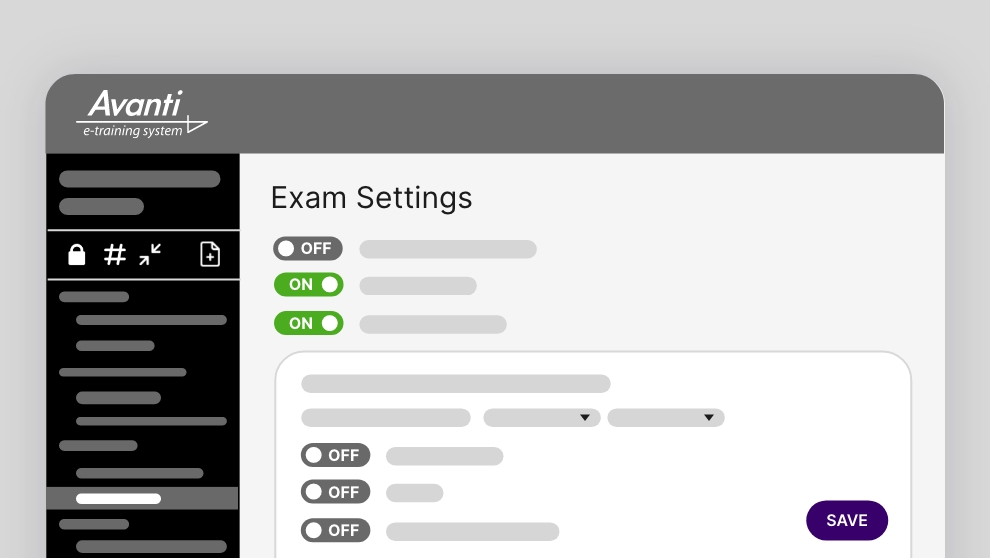
Build professional online exams that measure employee knowledge, support workplace compliance, and produce audit-ready results. Flexible settings let you create exams that fit your organization’s training requirements.
Our exam builder makes it EASY for you to create proper, auditable exams.
- In courses or stand-alone
- Create, import, or export questions
- Custom Question Bank – with categories and key word search
- Variable passing score – from 0% (un-scored) to 100%
- Self-correctable to 100%
- Intelligent failed exam re-takes which TEACH the student what they didn’t learn
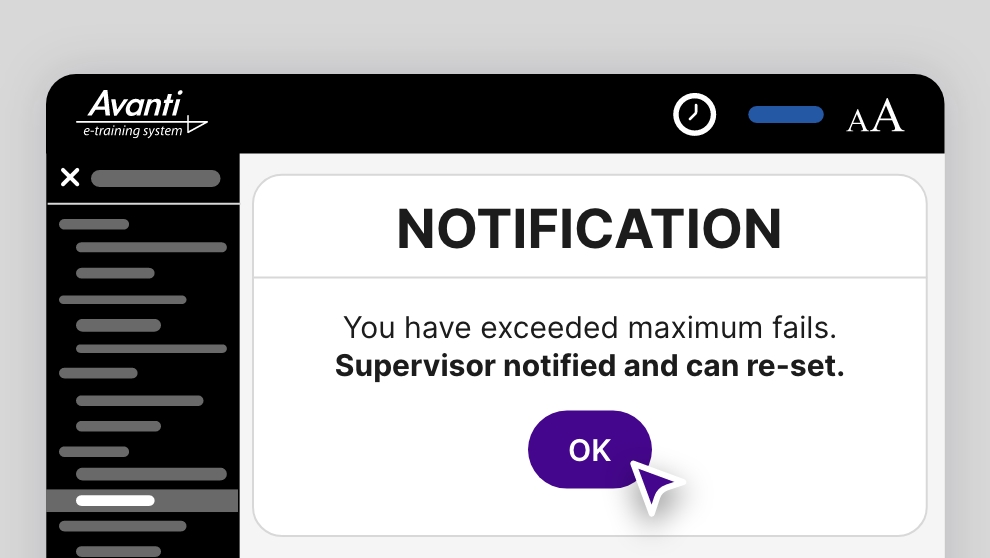
- Auto lockout and notification when fails exceeded.
- Multiple question types
- Written-response question type option with intelligent answer contents auto scoring
- Random questions delivery – with intelligence to ensure proper exam structure
- Exam timer
Create Training Once. Keep It Up to Date.
Training procedures, policies, and regulations change over time. AVANTI makes it easy to update existing courses without starting from scratch, helping organizations keep employee training accurate, consistent, and compliant while maintaining complete training history and audit records.
Why Organizations Choose AVANTI for Training Creation
Whether you’re creating employee onboarding, annual compliance training, safety programs, equipment training, or company procedures, AVANTI helps you build and maintain professional workplace training with minimal effort.
Import existing materials, build new workplace training from scratch, update courses instantly, and maintain accurate employee training records – all from one centralized training platform designed for organizations of every size.